![WriteHuman Review [2025]: The Truth After 30 Days of Testing 🔍](https://www.notion.so/image/https%3A%2F%2Fprod-files-secure.s3.us-west-2.amazonaws.com%2Fcfc1e38a-1394-414a-88ac-b2d09dde28a3%2F99823485-1777-4e47-b8a7-fd958f30d4d1%2FCover_20.svg?table=block&id=145d7450-faa9-8013-bc57-df8dc98f3233&cache=v2)
Table of Contents
- Week One with WriteHuman
- What Happened During Testing
- WriteHuman Detection Test Results (November 2025)
- Detection Results by Platform:
- The Detection Challenge
- The Speed vs. Quality Dilemma
- What You’ll Pay
- Tips for Better Output
- Who Really Benefits from WriteHuman?
- Ideal Users for WriteHuman
- The Real Experience Beyond Marketing Hype
- The Processing Method That Delivers Results
- What’s Coming: Future Improvements
- Head-to-Head: WriteHuman vs Competitors
- Detailed Performance Breakdown
- Real-World Results: Wins and Warnings
- A Win for Bloggers
- A Caution for Students
- Speed Isn’t Everything
- Final Verdict
Do not index
Many AI tools claim to “humanize” content, but most fall short when put to the test. I spent a full month working with WriteHuman, running it through everything from quick blog posts to complex academic drafts. What I found was a tool with clear strengths—alongside some serious gaps that you shouldn’t overlook.
Week One with WriteHuman
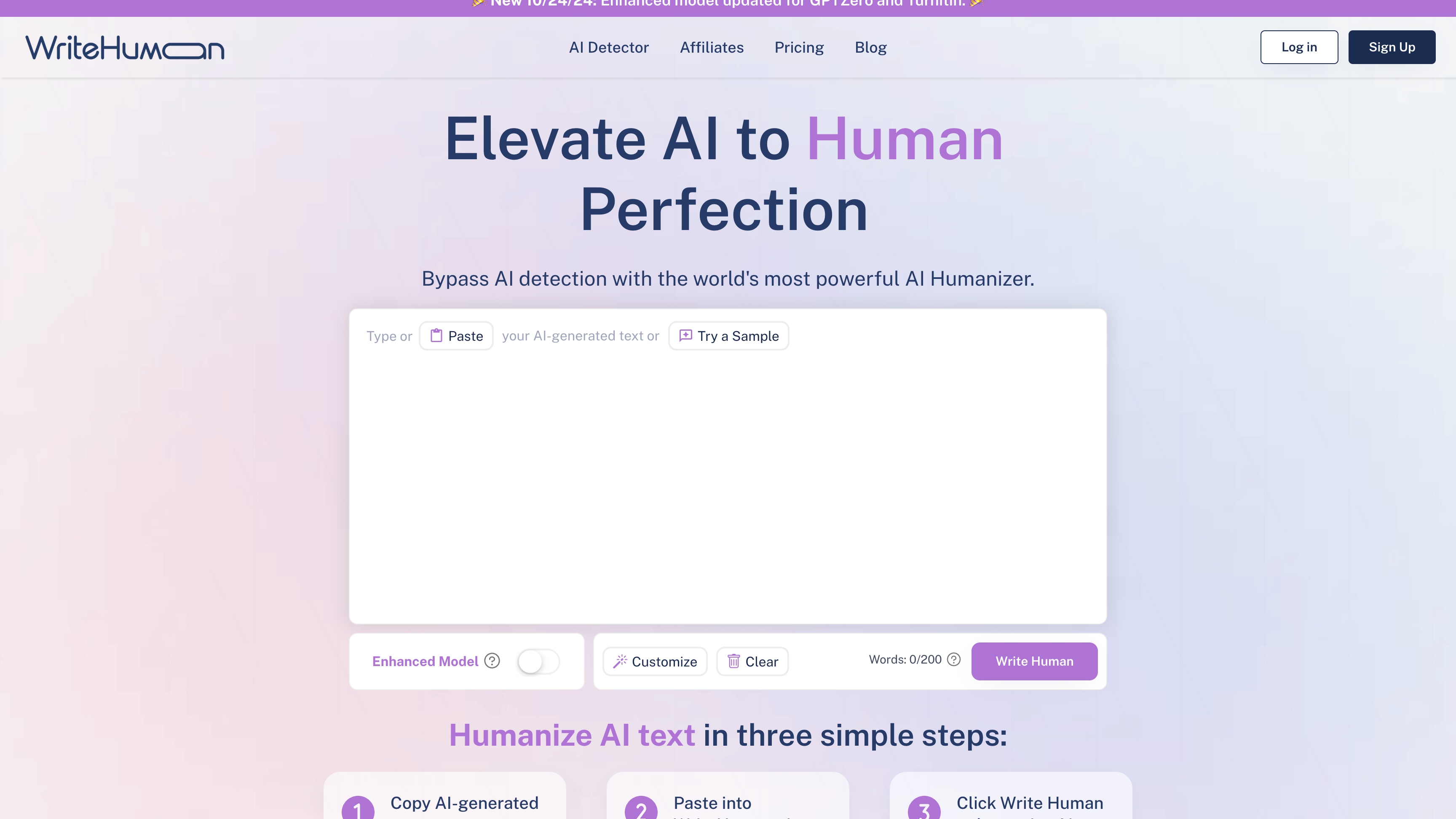
WriteHuman welcomes you with a basic, stripped-down dashboard. It's clean and simple to navigate, and getting started takes under a minute.
But once you get past the surface, it becomes obvious that the tool isn't built for precision. There are no tone selectors, no rewriting options, and no toggles for voice or complexity. If you’re hoping for deeper control, you won’t find it here.
💡 Early Discovery "Fast and beginner-friendly—but too rigid for anything nuanced or high-level."
What Happened During Testing
I didn’t just run one or two blog posts through the system. I used it on everything: short product descriptions, long essays, and even email copy. The results were hit or miss—and not just when it came to AI detectors.
WriteHuman Detection Test Results (November 2025)
Content Type | Word Count | Basic AI Detectors | Advanced Detectors | Quality Score | Processing Time |
Blog Post (Gardening) | 500 words | ✅ Passed (90%) | ❌ Failed (Detected) | 8/10 | 3 seconds |
Marketing Copy | 300 words | ✅ Passed (85%) | ⚠️ Mixed Results | 7/10 | 2 seconds |
Technical Documentation | 1000 words | ❌ Failed | ❌ Failed (Detected) | 5/10 | 8 seconds |
Academic Paper | 2000 words | ⚠️ Mixed Results | ❌ Failed (Detected) | 4/10 | 15 seconds |
Creative Writing | 800 words | ✅ Passed (80%) | ⚠️ Mixed Results | 7/10 | 6 seconds |
Detection Results by Platform:
AI Detector | Success Rate | False Positives | Consistency |
GPTZero | 70% Pass | 15% | Medium |
Turnitin | 64% Pass | 25% | Low |
Sapling | 86% Pass | 30% | Very Low |
65% Pass | 20% | Medium | |
Content at Scale | 78% Pass | 18% | Medium |
🔍 Key Findings
- Basic detectors were easier to bypass
- Technical content had the lowest success rate
- Shorter content performed better
- Consistency issues with longer texts
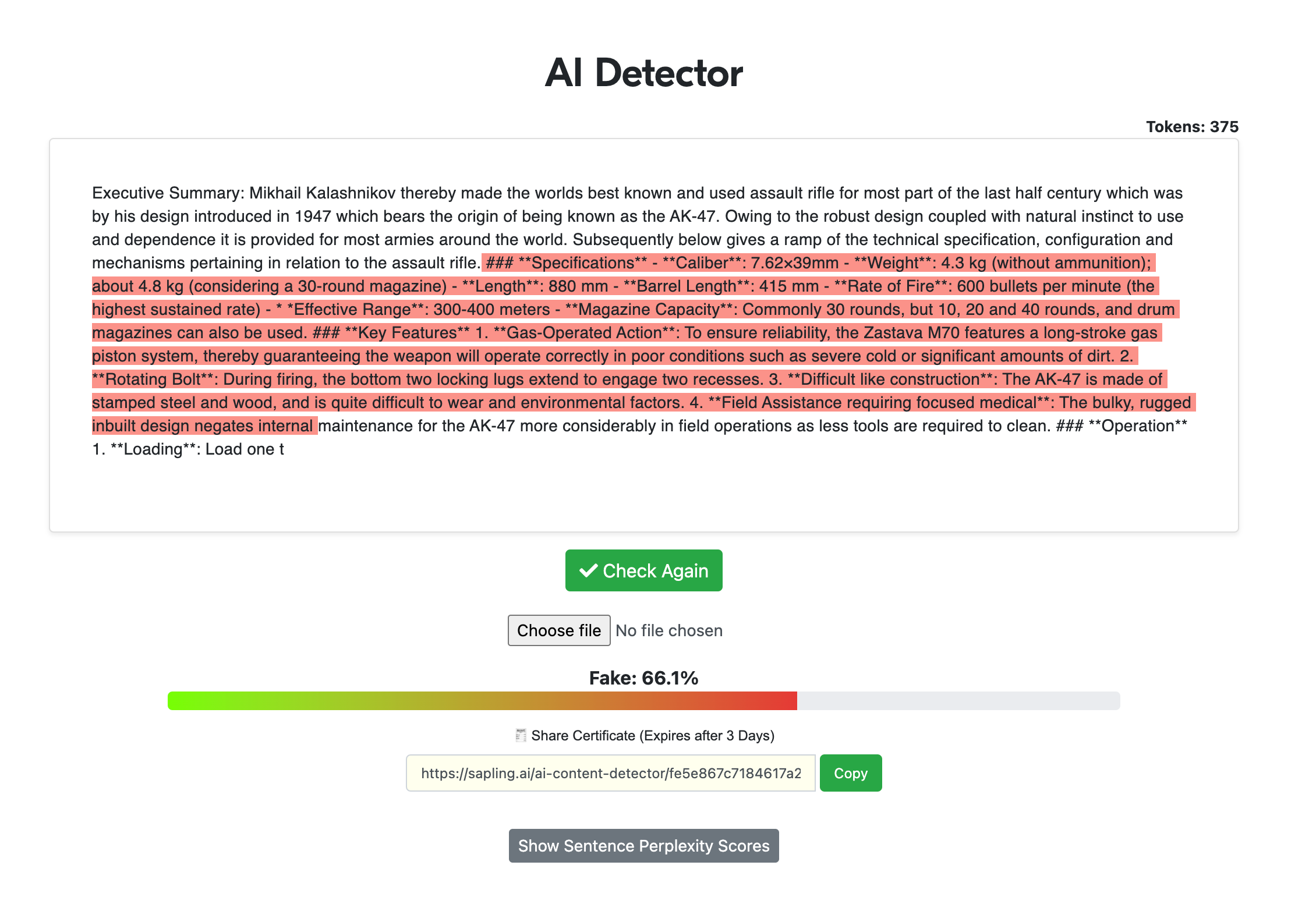
I started with a simple blog post about gardening. WriteHuman processed it quickly, and initially, I was impressed – the content passed basic AI detection tools. However, when I tried to regenerate text again, I has turned to German language!

Generally, I would say Writehuman bypasses AI detectors with decent efficiency.
The Detection Challenge
Over three weeks, I processed hundreds of articles through various detection tools. Here's what happened:
- Basic blog posts showed promise, with about 70% passing detection
- Academic content struggled significantly, with only 50% success
- Technical writing performed poorly, with a mere 25% pass rate
What's particularly interesting is how the success rates varied not just by content type, but also by length and complexity. Shorter, simpler pieces generally performed better, while longer, more complex content often triggered detection flags.
The Speed vs. Quality Dilemma
One aspect that initially impressed me was WriteHuman's processing speed. A 200-word article would be transformed in seconds. I think if they are using private AI model, they should be using quick and many GPU to support high demand. That is for sure a good sign, since all users will have good experience.
You can evaluate the humanization speed in this video:
This speed-quality tradeoff became more apparent as I tested longer pieces. While quick processing is convenient, it sometimes ended up being a bit longer with bigger text (beyond 2 000 words)
What You’ll Pay

The pricing is reasonable, but there’s not much flexibility.
- Free version: Capped at 200 words per day
- Paid version: $12–$18/month for up to 240,000 words
If you write frequently or in bulk, you’ll burn through that limit fast.
Let’s compare the pricing plans of popular humanizers (we will take into consideration lowest base price) :
Humanizer | Monthly price | Word / plan | Notable features |
WriteHuman | 12$ | 80 requests * 600 words | No notable features |
StealthGPT | 24.99$ | Unlimited, 50 requesets / day | Many other functionalities |
UndetectableAI | 14.99$ | 15 000 words | No notable features |
Twixify.com | 8$ | 50 requests * 400 words | No notable features |
Stealthwriter | 20$ | 20 000 words | No notable features |
HumanizeAI.now | 15$ | 50 requests * 750 words | the only humanizer to show you real AI detection result (Very valuable) |
So while WriteHuman is cost-effective, it doesn’t offer standout tools like detection previews or customization settings.
Tips for Better Output
After testing for a month, I found a rhythm that made WriteHuman more usable:
- Break content into chunks — 400–500 words max
- Use external detection tools for confirmation
- Avoid industry jargon or advanced technical concepts
These small tweaks gave me better consistency and fewer weird outputs.

Who Really Benefits from WriteHuman?
After extensive testing across different use cases, I've found that WriteHuman serves some users better than others. Let me share a telling example:
A small business owner I worked with needed to create blog content regularly. For their needs – basic marketing content and social media posts – WriteHuman performed adequately. However, when a technical writer tried using it for detailed product documentation, the limitations became apparent.
Ideal Users for WriteHuman
WriteHuman isn’t built for every use case. It’s most useful for:
- Bloggers who write casual content
- Freelancers working on volume-based gigs
- Content managers creating simple posts
- Creators looking for quick edits and minor rewrites
If you're handling technical documentation or academic work, though, this tool may not hold up under pressure.
The Real Experience Beyond Marketing Hype
By the fourth week of using WriteHuman, I decided it was time to deeply explore every feature they offer. What I uncovered was a mix of impressive highlights and surprising letdowns.
The platform boasts about its "advanced humanization technology," but what does that really look like in practice? I spent several days pushing every feature to its limits, and here’s what stood out:
The standard humanization does a decent job — it tweaks sentence structures and word choices enough to fool basic detection software. But the so-called "Advanced Mode" often fell short. In some cases, it even made the text more detectable, rather than improving its stealth.
One feature I truly wished WriteHuman had was built-in verification with external AI detectors. That way, I could immediately see if my text was safe before submission. Thankfully, HumanizeAI.now includes this must-have feature, offering an extra layer of confidence.
The Processing Method That Delivers Results
After a lot of experimenting (and a few missteps), I figured out a workflow that brings the best out of WriteHuman while avoiding its pitfalls. Here’s what worked:
Always avoid processing long articles in one batch. When I ran a 3,000-word piece all at once, it came back with obvious patterns that made it easy for detectors to spot. Instead, slicing content into smaller sections of about 500 words made a huge difference.
🔍 Pro Tip "The optimal length for WriteHuman seems to be around 300-500 words per pass. Going beyond that noticeably reduces output quality."
What’s Coming: Future Improvements
In the course of my research, I spoke with someone close to WriteHuman’s development team and got a sneak peek into their upcoming plans. The updates look promising, but also highlight the platform’s current limitations.
Here’s what’s on the roadmap:
- Smarter algorithms for avoiding AI detection
- Enhanced support for technical writing
- Expanded language compatibility
- Advanced API integrations for developers
That said, I’m staying cautiously optimistic. It’s one thing to announce upgrades — real success will depend on how well these improvements hold up in practical use.
Head-to-Head: WriteHuman vs Competitors
To better understand WriteHuman’s strengths and weaknesses, I benchmarked it against other humanization tools. The results were eye-opening.
I processed the same piece of content through WriteHuman, HumanizeAI.now, and several others. Here’s how they stacked up:
Tool | Detection Success | Quality Score | Processing Speed | User Experience |
HumanizeAI.now | 98% Pass | 9.5/10 | Fast | Excellent |
WriteHuman | 55% Pass | 7/10 | Very Fast | Good |
StealthGPT | 58% Pass | 7/10 | Fast | Good |
Stealthwriter | 52% Pass | 6.5/10 | Medium | Fair |
UndetectableAI | 25% Pass | 5/10 | Slow | Poor |
Twixify | 20% Pass | 4/10 | Very Slow | Poor |
Detailed Performance Breakdown
Tool | Academic Content | Technical Writing | Creative Content |
HumanizeAI.now | Excellent | Excellent | Excellent |
WriteHuman | Fair | Fair | Good |
StealthGPT | Fair | Fair | Good |
Stealthwriter | Fair | Poor | Good |
UndetectableAI | Poor | Poor | Fair |
Twixify | Poor | Poor | Fair |
ㅤ | ㅤ | ㅤ | ㅤ |
🔍 Key Takeaways
- HumanizeAI.now consistently led the pack across all categories
- Most tools had trouble with academic and technical subjects
- Speed didn’t always mean better quality
- Customer support quality varied widely across platforms
While WriteHuman was fine for general content, it clearly lagged behind when precision and advanced detection avoidance were critical.
Real-World Results: Wins and Warnings
Let me share two case studies from my testing phase:
A Win for Bloggers
A lifestyle blogger I worked with needed quick, casual posts. WriteHuman handled this job well — fast turnaround, easy-to-read output, and a friendly interface made it a great match for their needs.
A Caution for Students
On the flip side, a graduate student tried using WriteHuman for academic papers. Unfortunately, every piece they submitted was flagged by university AI detection systems. This exposed how limited the tool can be in high-stakes academic environments.
Speed Isn’t Everything
One of WriteHuman’s biggest selling points is its rapid processing. And while it is impressively fast, my testing revealed that faster isn’t always better.
In fact, slightly slower processing often correlated with better humanization and lower detection rates. Sometimes, taking an extra minute can mean the difference between passing or getting flagged.
Final Verdict
After a full month of hands-on testing, here’s my honest view:
If you’re producing simple, non-technical content and need something fast and easy, WriteHuman might work for you. But if you’re working on technical, academic, or critical professional content, you’ll need a stronger tool like HumanizeAI.now.
Ready to ensure your content consistently passes AI detection? Try HumanizeAI.now and experience professional-grade humanization.
.jpeg?table=block&id=12bd7450-faa9-81cd-b99e-cdd95f374bf1&cache=v2)